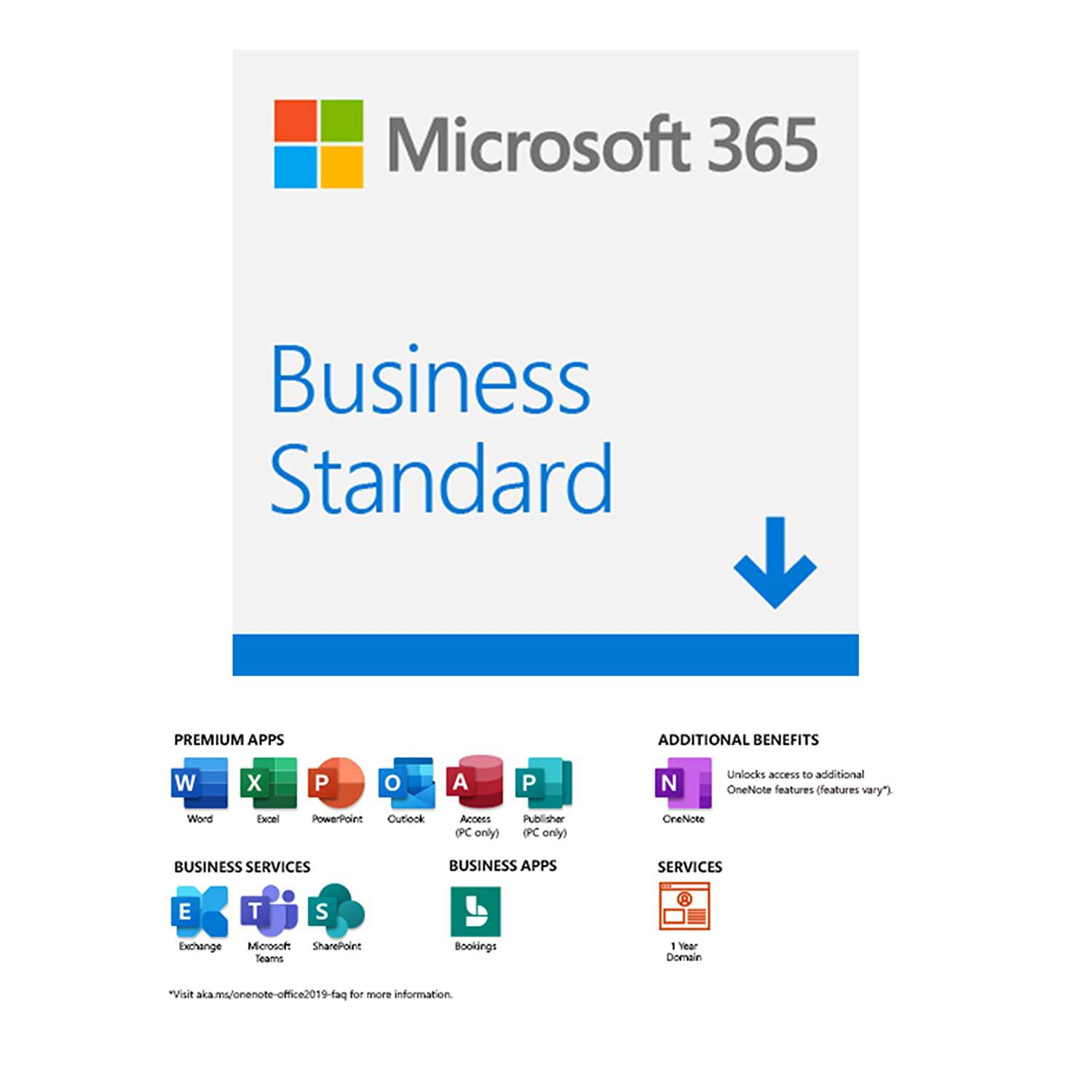
Microsoft 365 Business Standard Office Software is a versatile productivity and collaboration suite designed specifically for small and medium-sized enterprises (SMEs) to enhance work efficiency and operations management.
Key Features
- Comprehensive Collaboration Model: Combines powerful desktop Office apps (Word, Excel, PowerPoint) with Microsoft Teams, SharePoint, and OneDrive for cloud storage and synchronization.
- Business-Class Email (Exchange Online): Provides professional email hosting with a large mailbox capacity (50 GB), integrated security, anti-spam, and synchronized calendars.
- Always Up-to-Date: Users always have access to the latest versions of Office applications and security features.
- Flexibility and Mobility: Access and edit documents from any device (PC, Mac, mobile, web browser) for seamless remote work.
- Cloud Security: Includes basic security features for emails and documents to protect enterprise data.
Installation and Basic Usage Guide
Desktop App Installation:
- Subscribe and Activate: Register for the Business Standard plan and create user accounts in the Microsoft 365 admin portal.
- Sign In: Go to portal.office.com using your assigned account.
- Download: Click on "Install apps" on the home page.
- Install: Download and run the installer file.
- Activate: Open any Office app (e.g., Word) and sign in with your Microsoft 365 account to activate the license.
Effective Usage Tips:
- Cloud Storage: Always save documents to OneDrive or SharePoint instead of local drives to ensure automatic backup and multi-device access.
- Co-authoring: Use cloud-saved Office apps to allow multiple users to edit a document simultaneously.
- Teams Utilization: Use Microsoft Teams for video meetings, quick chats, and team project management.
Important Notes
- License Management: Ensure each user has a dedicated license. Account sharing violates terms of service.
- Password Security: Enforce strong passwords and enable Multi-Factor Authentication (MFA) for all accounts.
- OneDrive Synchronization: Verify that OneDrive folders are fully synced with the cloud.
- Advanced Security Limits: Business Standard does not include advanced security features like Advanced Threat Protection (ATP) or Intune. Upgrade to Business Premium if advanced protection is required.