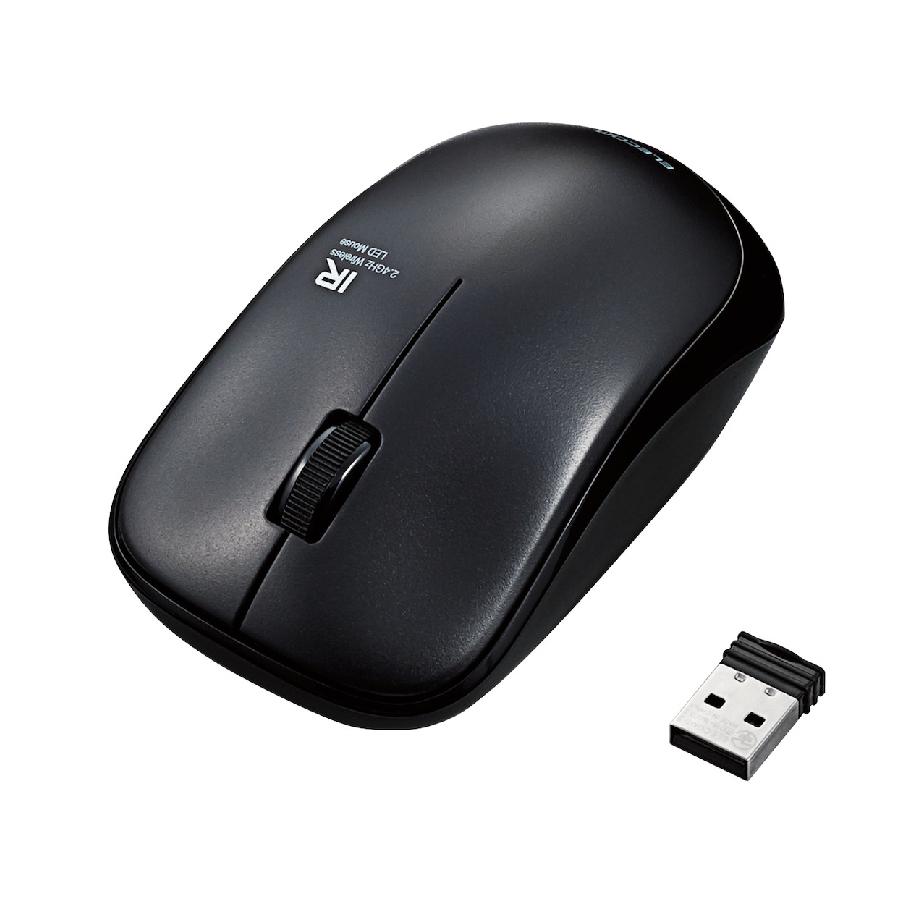
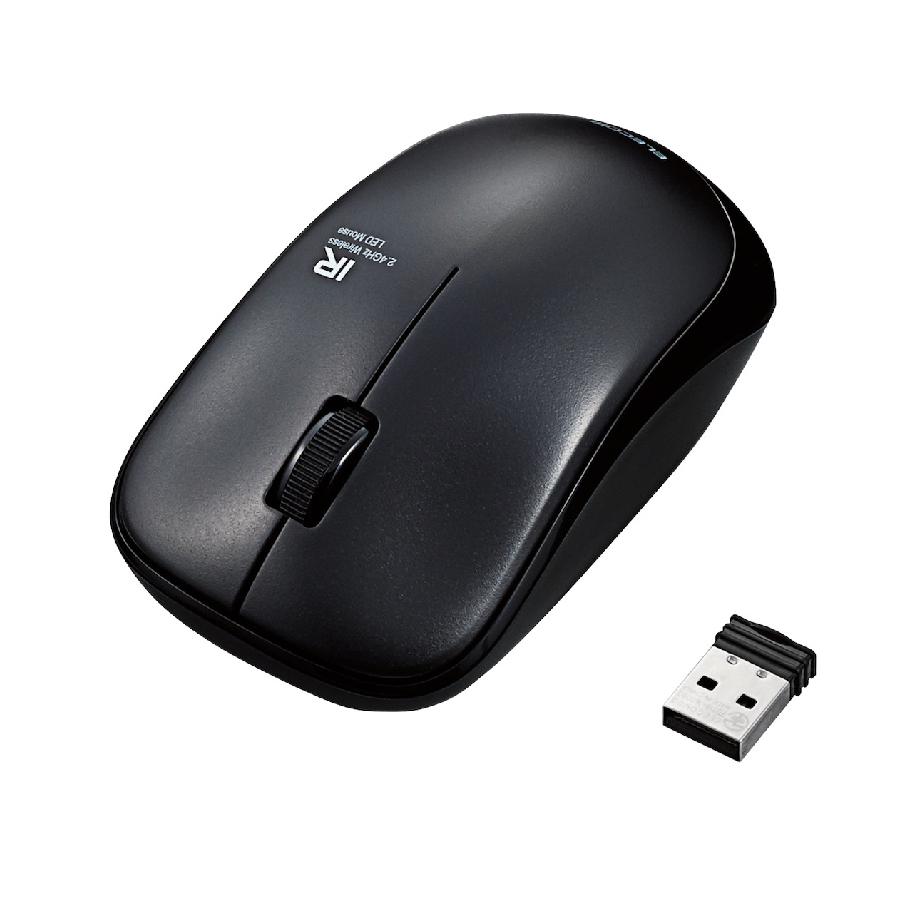
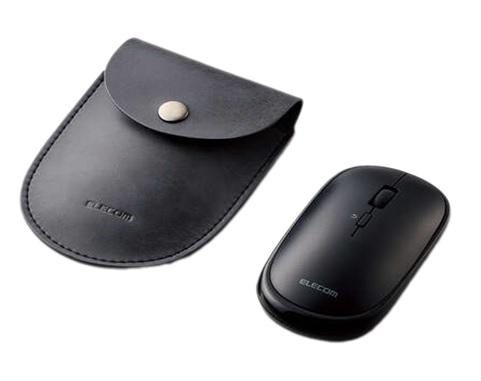
ELECOM M-IR07DRSBK Silent Wireless Mouse is an ideal product for those looking for an efficient mouse device to work without making noise. With a sleek design and various convenient functions, this mouse provides a comfortable user experience in any situation, from working in the office to studying at home.
ELECOM M-IR07DRSBK Silent Wireless Mouse Specifications:
● Connection distance: 10m
● Resolution: 1200dpi, 2.4 GHz receiver
● Silent click / ON/OFF switch included
● Receiver can be stored inside the mouse body
● Uses 1 AA battery
Outstanding Features: ELECOM M-IR07DRSBK not only possesses the advantages of the M-IR07DR series but is also equipped with special features, bringing an excellent user experience:
- Silent buttons: This is the most prominent feature of this version. The buttons are specially designed to minimize clicking noise, helping you concentrate better in quiet environments like offices, libraries, or when you don't want to disturb others.
- Stable 2.4GHz wireless connection: Enjoy freedom of movement with a reliable wireless connection within a range of up to 10 meters, completely eliminating cable clutter.
- Comfortable ergonomic design: The mouse is designed to fit snugly in the palm, providing comfort during long-term use. The textured surface enhances grip and control.
- 1200 DPI resolution: Ensures adequate sensitivity for daily tasks, from web browsing to office work, with smooth and accurate cursor movement.
- Smart power saving: Built-in power switch makes it easy to turn off the mouse when not in use, extending battery life. Battery life can last up to several months depending on usage habits.
- Convenient ultra-small USB receiver: The compact receiver can be plugged directly into the computer's USB port without obstruction. You can also store the receiver inside the mouse when traveling.
- Elegant black color (SBK): With a dominant black color, the mouse offers a professional and sophisticated look, suitable for various working styles.
- Smooth scroll wheel: The scroll wheel is designed for fast and easy web and document browsing.
Effective Usage Guide: To maximize the performance of the ELECOM M-IR07DRSBK silent wireless mouse, follow these tips:
- Install batteries correctly: Make sure you install the battery according to the correct positive and negative poles as instructed.
- Connect the USB receiver: Plug the USB receiver into the USB port on your computer. Usually, the mouse will automatically detect and connect without installing additional software.
- Turn on the power switch: If the mouse has a power switch, flip it to the "ON" position.
- Use on a suitable surface: For best performance, use it on a flat and not too slippery surface. Using a mousepad can improve accuracy and comfort.
- Regular cleaning: Use a soft, dry cloth to wipe the mouse surface, removing dirt and sweat, keeping the mouse clean and operating smoothly.
- Turn off the mouse when not in use: When you are not using the computer for a long time, turn off the mouse's power switch to save battery.
Notes during use: When using the ELECOM M-IR07DRSBK mouse, remember the following:
- Avoid strong impacts or dropping the mouse: This can cause damage to internal components.
- Do not let liquids contact the mouse: Liquids can cause short circuits and damage the device.
- Avoid high temperatures or direct sunlight: High temperatures can affect the performance and lifespan of the battery as well as other electronic parts.
- Replace batteries when necessary: If you notice unstable mouse performance or slow cursor movement, check and replace with a new battery.
- Refer to the user manual: Read the accompanying user manual carefully to better understand features and how to use the mouse safely and effectively.
ELECOM M-IR07DRSBK Silent Wireless Mouse is a perfect product for those who love quietness and efficiency at work. With sophisticated design, high accuracy, and long battery life, this mouse will certainly be a reliable companion in all daily activities. Investing in the ELECOM M-IR07DRSBK not only brings a great user experience but also creates comfort and quietness in your working environment.